LIVE · HR's core outreach surface. Pick a contact source (curated test list, or a sourcing run from Module 1) → load contacts → generate drafts one-by-one or in batch → review/edit each draft → approve/skip.
How to use: (1) Contact source picks where candidates come from; (2) Language + Variant radios pick which prompt variant renders; (3) Click a row to populate the detail pane; (4) Generate Drafts makes real Claude API calls — each draft streams into its row. Approve/Skip now persist a
How to use: (1) Contact source picks where candidates come from; (2) Language + Variant radios pick which prompt variant renders; (3) Click a row to populate the detail pane; (4) Generate Drafts makes real Claude API calls — each draft streams into its row. Approve/Skip now persist a
ConversationTurn to disk (feeds Prompt Versions metrics + the optimizer dev-set); Send Approved is currently disabled pending LinkedIn scrutiny recovery.
Contact source
JD / Role
Language
Candidates · — loaded 0 checked
Click Load Contacts above.
Batch actions checking…
Model
📄 Job Description — (none loaded)
Click Load Contacts to fetch.
Candidate Detail · (none selected) fit —
—
Profile & enrichment signals
Fit reasoning
—
Enrichment signalsSend via
—
발송 방식
Draft message
LIVE · LinkedIn send scheduler — persistent SQLite queue (
~/.hr_agent/scheduled_sends.sqlite) backed by /api/scheduled-sends. Approved drafts enqueue here; the worker dispatches one at a time via Run tick now. Channel is chosen automatically (LinkedIn when cookies are present, Email when SMTP env vars are set).
LinkedIn Session checking…
Upload cookies exported from your own browser. Needed before any LinkedIn send can dispatch successfully. No password ever touches our server.
⚠ Single shared cookie file today — last-write-wins across HR users. Per-user cookies land in multi-account Phase 2.
Pending
—
Waiting for their turn
In-flight
—
Being dispatched
Sent (24h)
—
Successfully delivered
Failed (24h)
—
See last_error per row
Pending · 0
| Candidate | Channel | Scheduled | |
|---|---|---|---|
| Loading… | |||
Recent (last 24h)
| Candidate | Result | When |
|---|---|---|
| Loading… | ||
LIVE · Git-graph view of every prompt variant HR can send. Each node = one variant; metrics (n_sends / avg edit_distance / approval_rate) render as colored chips. Fork makes a new variant with a parent link; Promote sets it as the default (old default → deprecated); Deprecate retires a variant without deleting it.
How to use: (1) Click a node to see its full prompt text on the right; (2) Fork from selected opens a modal pre-filled with the parent's instructions — edit the change_note + text, save, a new variant appears as a child in the tree; (3) Green dot = a variant that's measurably outperforming the default (≥15% lower edit_distance + n≥3 sends). A Suggestion card surfaces when a winner qualifies — one-click Promote. (4) [demo data] toggle in the header swaps
How to use: (1) Click a node to see its full prompt text on the right; (2) Fork from selected opens a modal pre-filled with the parent's instructions — edit the change_note + text, save, a new variant appears as a child in the tree; (3) Green dot = a variant that's measurably outperforming the default (≥15% lower edit_distance + n≥3 sends). A Suggestion card surfaces when a winner qualifies — one-click Promote. (4) [demo data] toggle in the header swaps
data/sessions/ for the pre-seeded data/sessions/_demo/ fixture — useful when showing the feature with realistic metrics before real HR traffic lands.
Stage:
cold-outreach
Variants · cold-outreach
★ default ·
● candidate beating default ·
● other candidate ·
● deprecated ·
ed = avg edit distance · ar = approval rate · rr = response rate
← Click a node in the tree to view details.
LIVE · Active conversations. Opening this tab triggers a LinkedIn inbox poll (rate-limited to once per 2 minutes) via
Composing the next-turn draft is Phase C (multi-turn state machine) — not wired yet. For now, HR reads the reply here and replies manually in LinkedIn Recruiter / LinkedIn web.
POST /api/linkedin/poll-replies. New replies land as ConversationTurn(role="candidate") and the session state flips to REPLIED_PENDING_HR.Composing the next-turn draft is Phase C (multi-turn state machine) — not wired yet. For now, HR reads the reply here and replies manually in LinkedIn Recruiter / LinkedIn web.
Not polled yet this session.
수락 확인: 이번 세션에 아직 미확인
Active · 0
No active conversations. Approve drafts in Batch Dashboard, then poll here.
Select a conversation on the left to see the thread.
총 발송 (n_sends)
—
변형별 누적
승인율 (가중 평균)
—
SENT / (SENT + DECLINED)
변형별 평균 편집 거리 (실 데이터)
낮을수록 HR가 초안을 더 신뢰함 — 편집을 덜 함.
응답률 (샘플)
31%
32 replies in 104 sent
비용 30d (샘플)
$2.14
Claude Haiku 4.5 · 127 drafts
변형별 응답률 (샘플)
후보자 깔때기 — 30일 (샘플)
Sourced (Module 1)
540 100%
Loaded to agent
184 34%
Drafted
165 30%
HR-approved
127 24%
Delivered (SENT)
104 19%
Replied
32 6%
Interview scheduled
11 2%
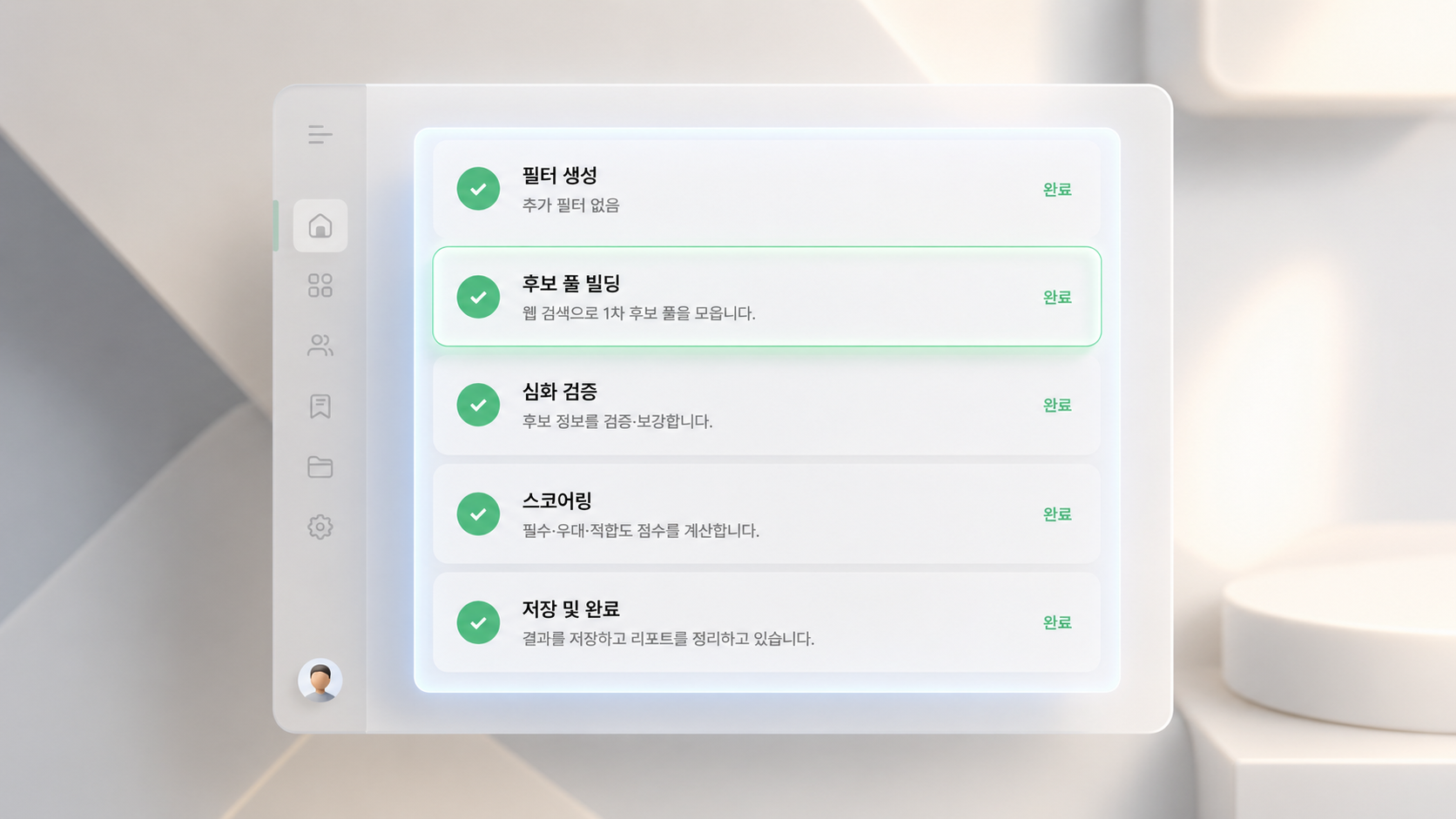
LIVE · Full sourcing audit view. Browse every sourcing run 조정석's Module 1 has produced. Per-candidate: verified_facts, inferred signals, sub-score breakdown (must_have / nice_to_have / fitness), exclusion reasons, source URLs.
How to use: (1) Pick a run on the left — rows show run_id, timestamp, and qualified/total candidate count. (2) The right pane expands with full run metadata (JD preview, filter, cutoff thresholds). (3) Click a candidate — ✓ means qualified, ✗ means
How to use: (1) Pick a run on the left — rows show run_id, timestamp, and qualified/total candidate count. (2) The right pane expands with full run metadata (JD preview, filter, cutoff thresholds). (3) Click a candidate — ✓ means qualified, ✗ means
below_cutoff (Module 1 filtered them out). (4) Candidate detail on the far right shows everything Module 1 knows; sources are clickable. (5) To trigger a new run, click + New run above the runs list — the same modal as on the Batch Dashboard, with a streaming progress log in Korean.
소싱
불러오는 중…
새 세션을 돌려 원하는 후보자를 소싱해보세요.